
For print shops that want to see inside the price
How the calculator prices a job
The price is not a volume guess. The calculator is hooked up to a slicer and prices supports too. You set the rates — the customer only sees the final price.
Hooked up to a real slicer
Supports
The five most common 3D printing technologies
- FDM — filament printing
- SLA — resin
- SLS — powder sintering
- MJF — HP Multi Jet Fusion
- SLM — metal printing
You turn on only what you print. Each has its own rates, materials and minimum price — the customer picks on your site.
Two kinds of inquiry. One place.
Your customers sometimes have a 3D model and sometimes they don't. They pick themselves. Both inquiries land in the same admin.
They have a model — they get a price
No model — they fill in a form
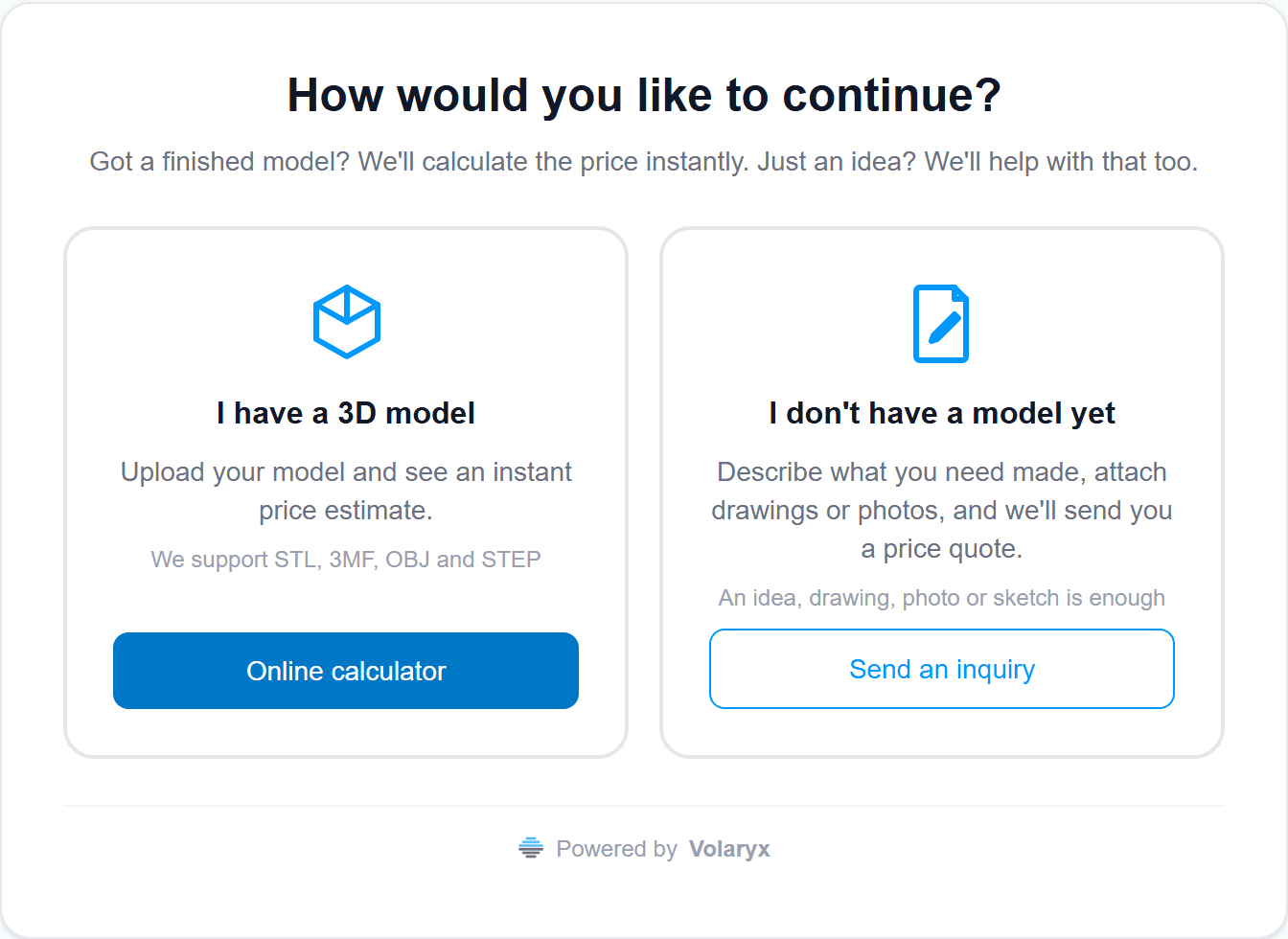
They have a 3D model — they get a price
No registration. No waiting for you. They upload a file and see a price.
Uploads a model
STL, 3MF, OBJ and STEP. Nothing to convert, nothing to download.
The model lays itself on the build plate. If they don't like the placement, they rotate it — and the price follows that orientation.
Picks technology and quantity
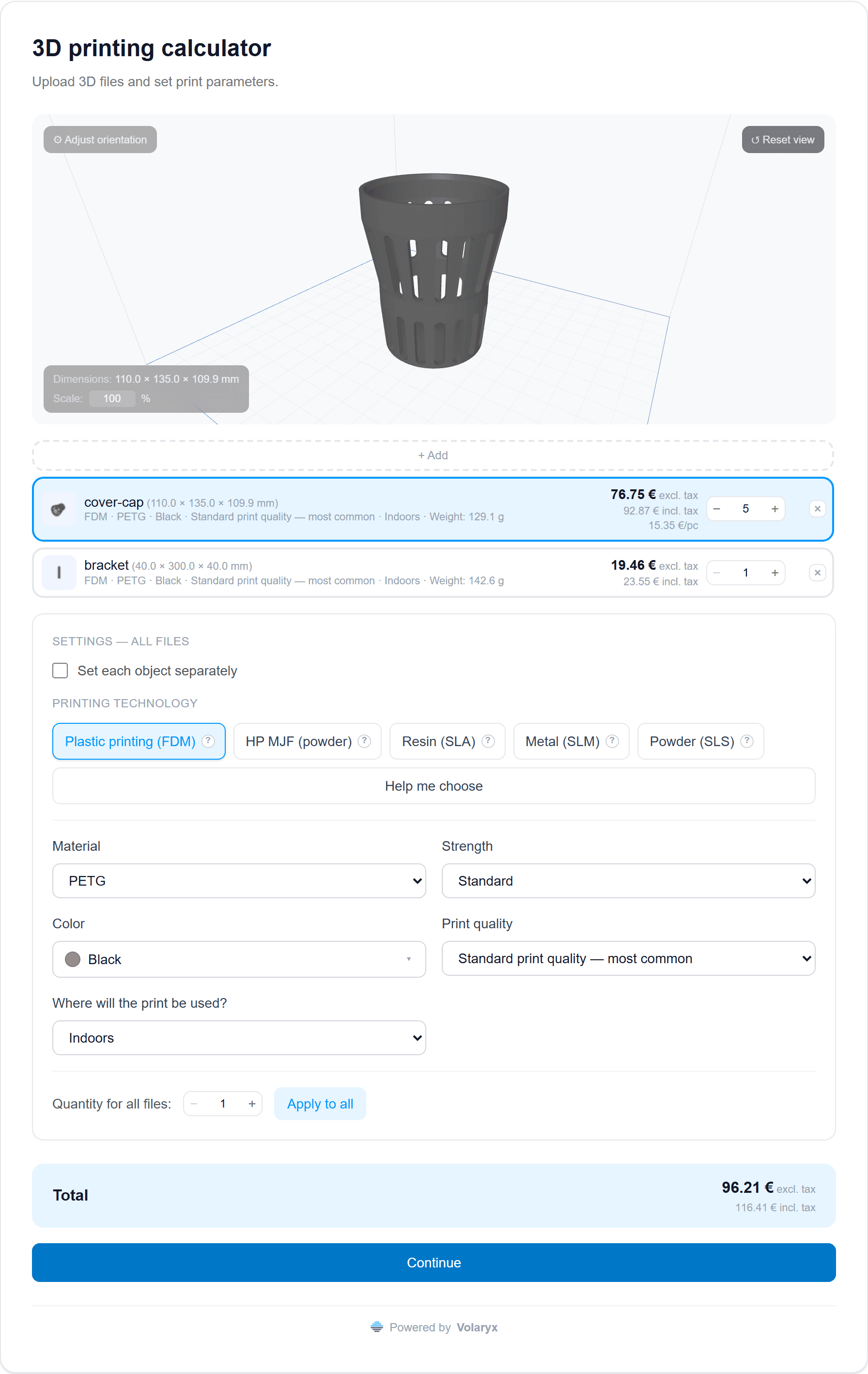
They fill in the details and send the inquiry
Then they click Continue. Four short steps. The inquiry lands in your admin.
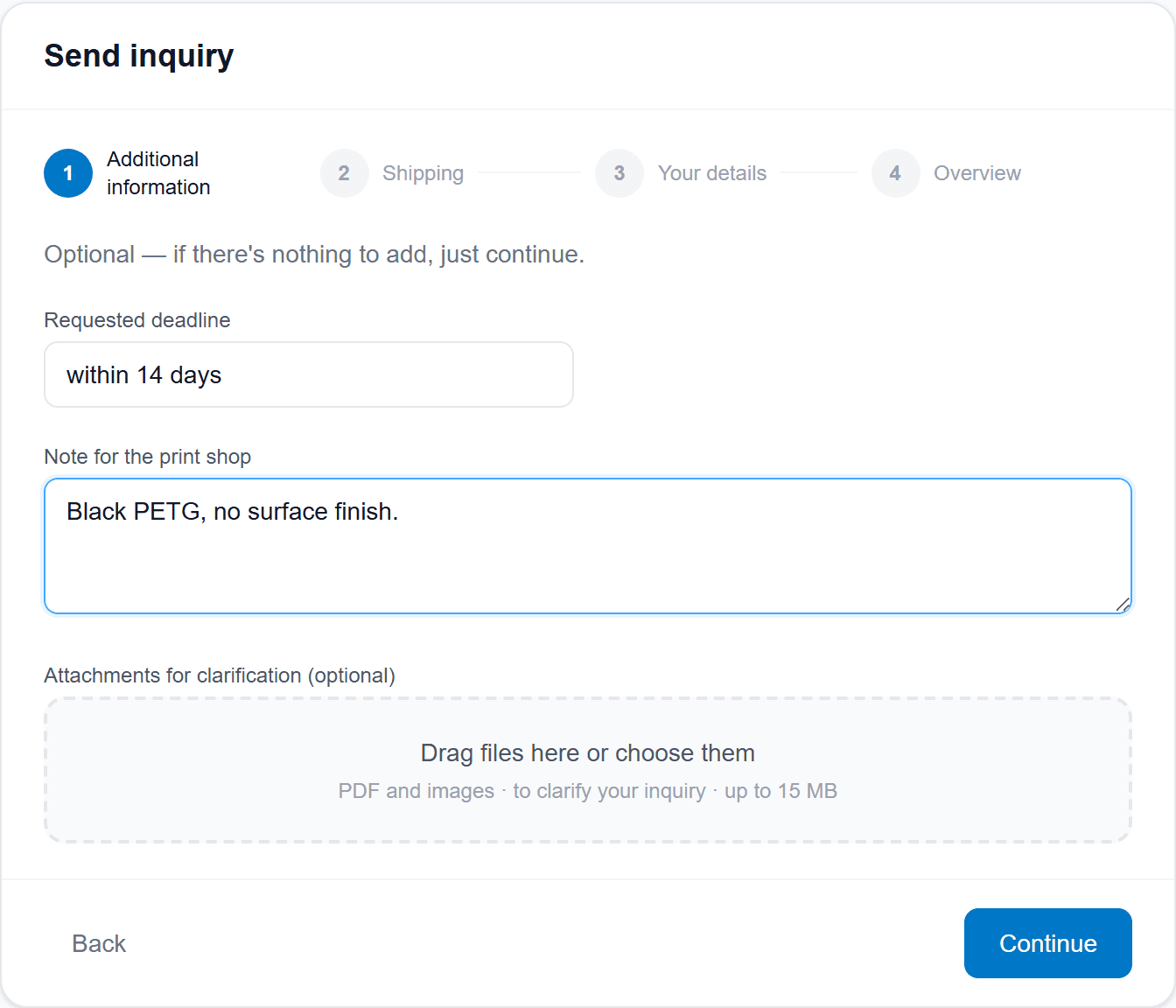
1. Additional information
Deadline, a note, attachments. All optional.
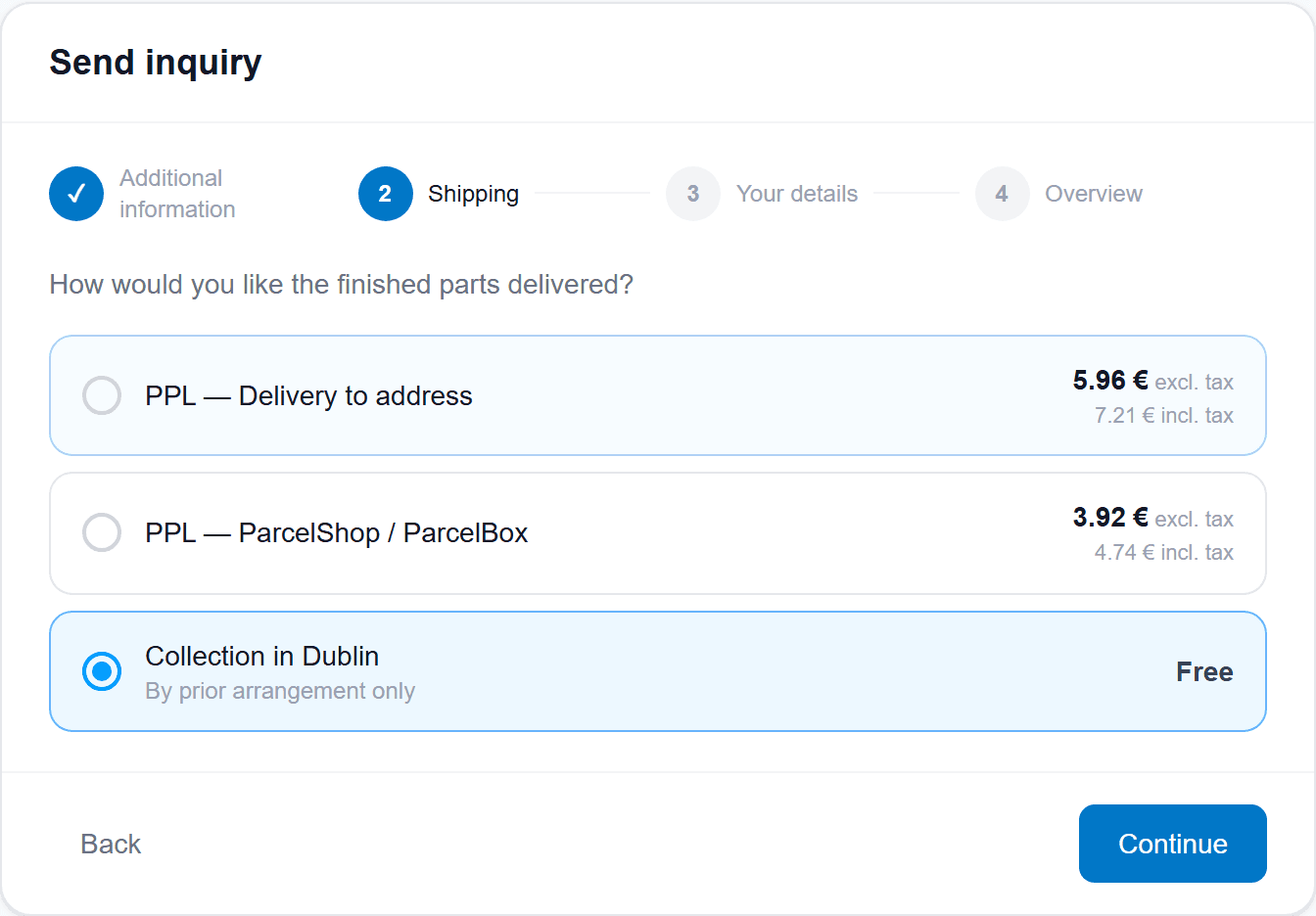
2. Shipping
They pick a method you offer.
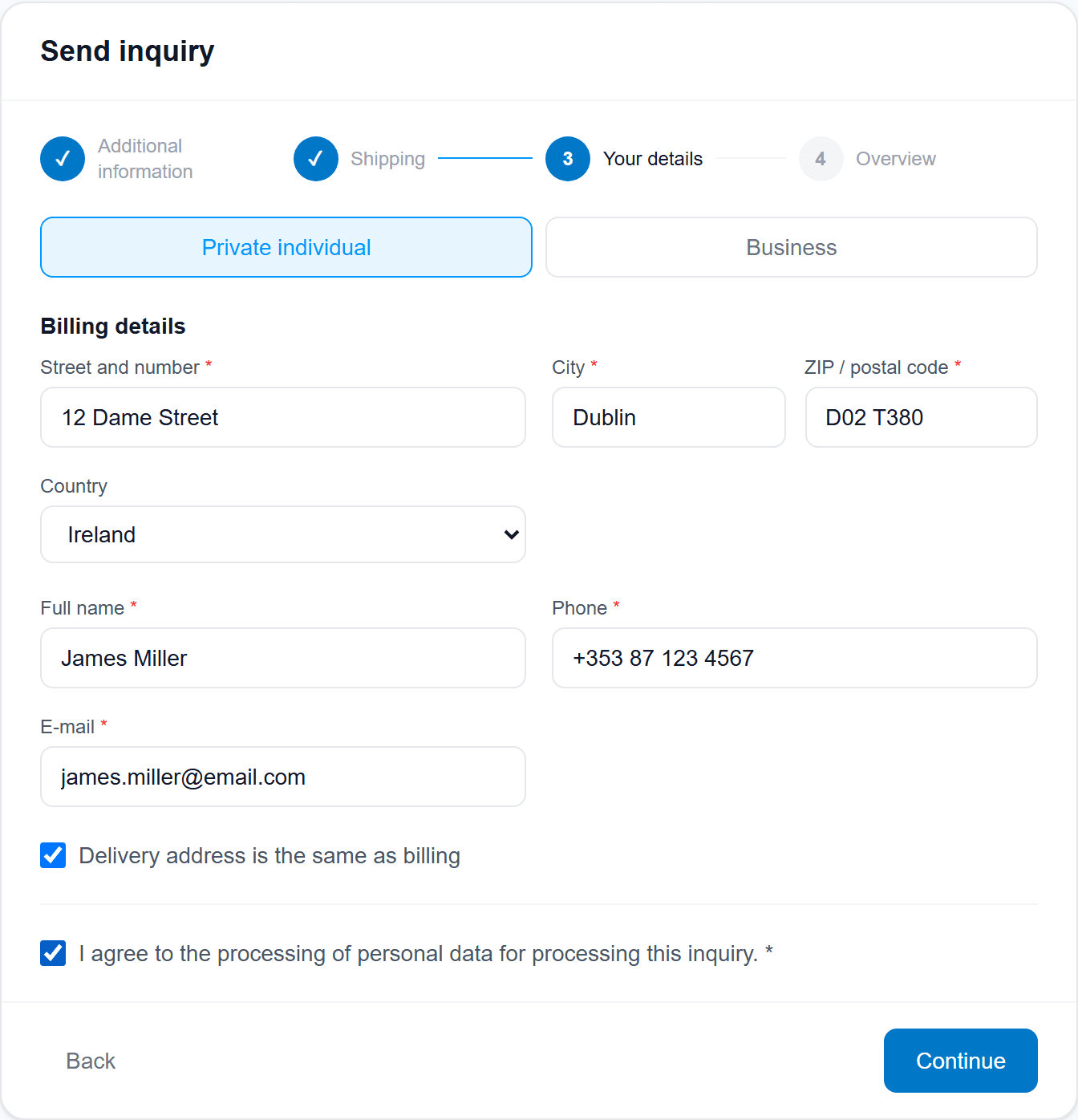
3. Your details
Billing. Delivery address too, if it ships to an address.
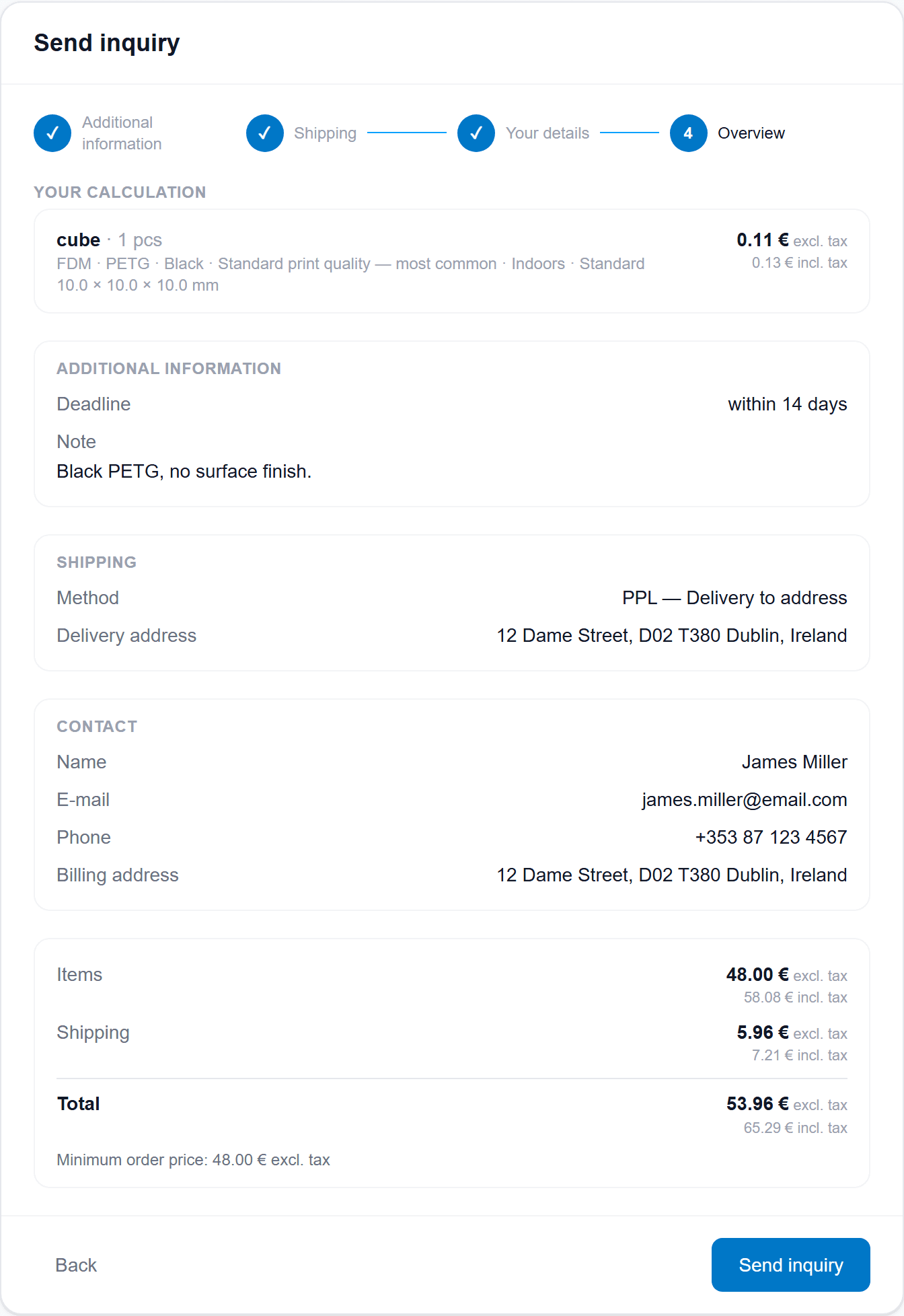
4. Overview
They check the price and shipping, then send the inquiry.
No model — they fill in a form
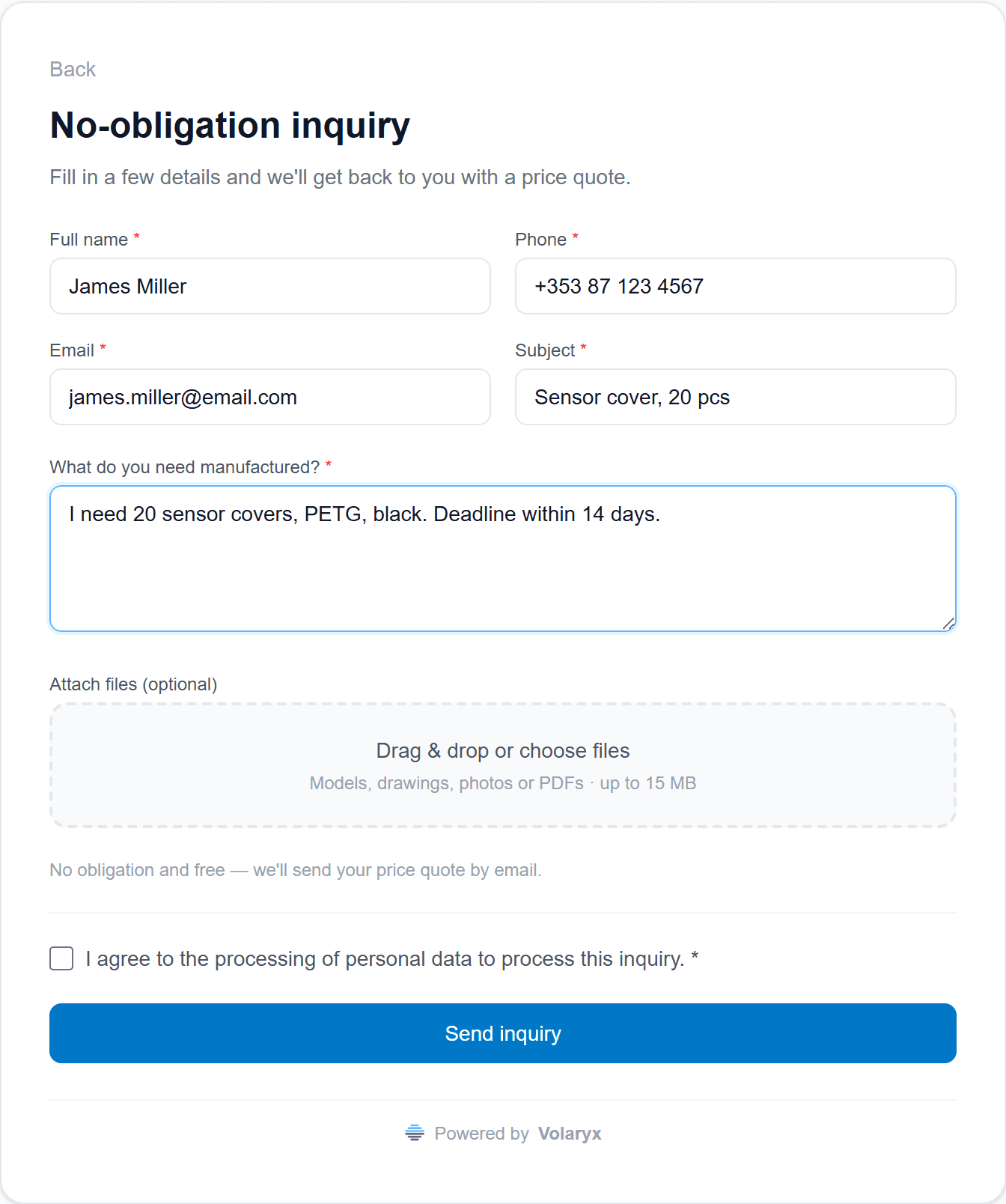
A sketch, a photo or just words. The inquiry still reaches you in the same place.
They describe what they need
They attach what they have
They send the inquiry
You set it up your way
Prices, shipping, emails and VAT. Every choice is yours — the customer only sees the result.
Your prices and your rules
What you price by hand today, you set once here.
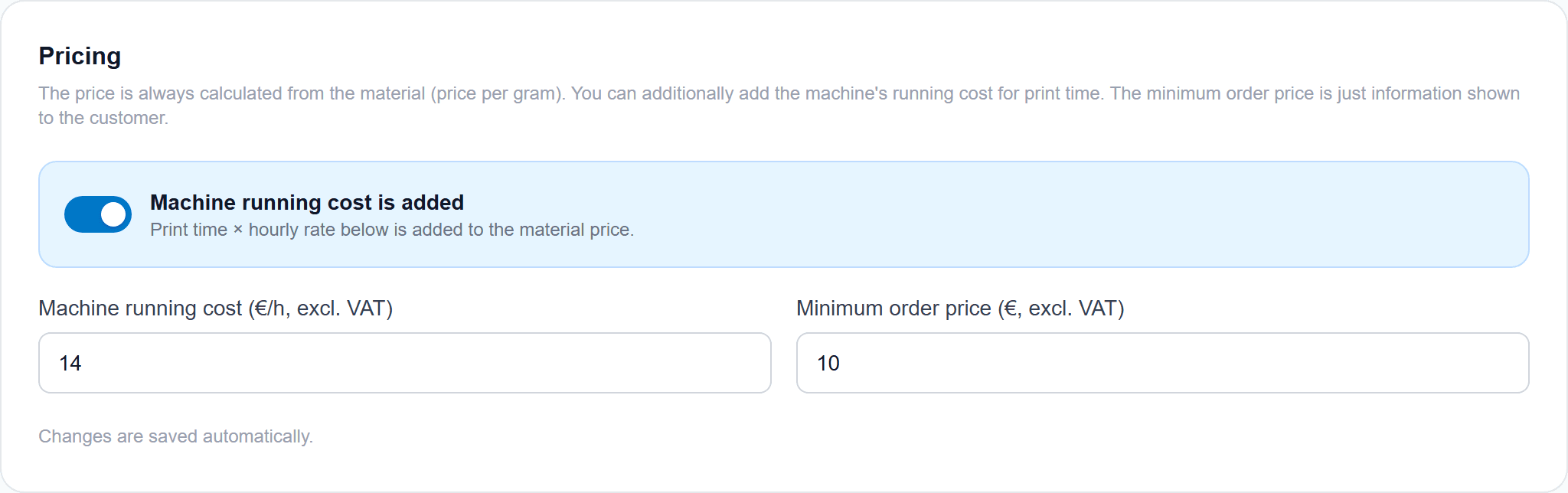
Pricing
Machine hourly rate and a minimum order. Separate for each technology.
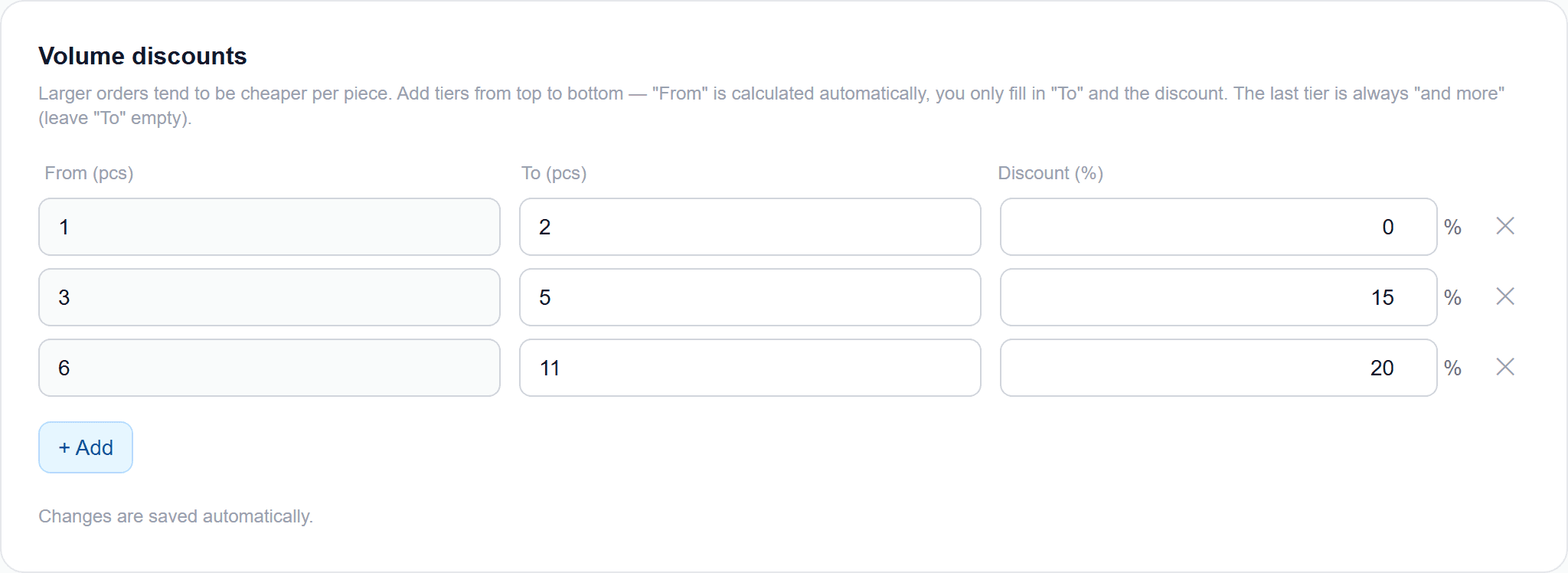
Volume discounts
Quantity tiers. A series prices differently than one part.
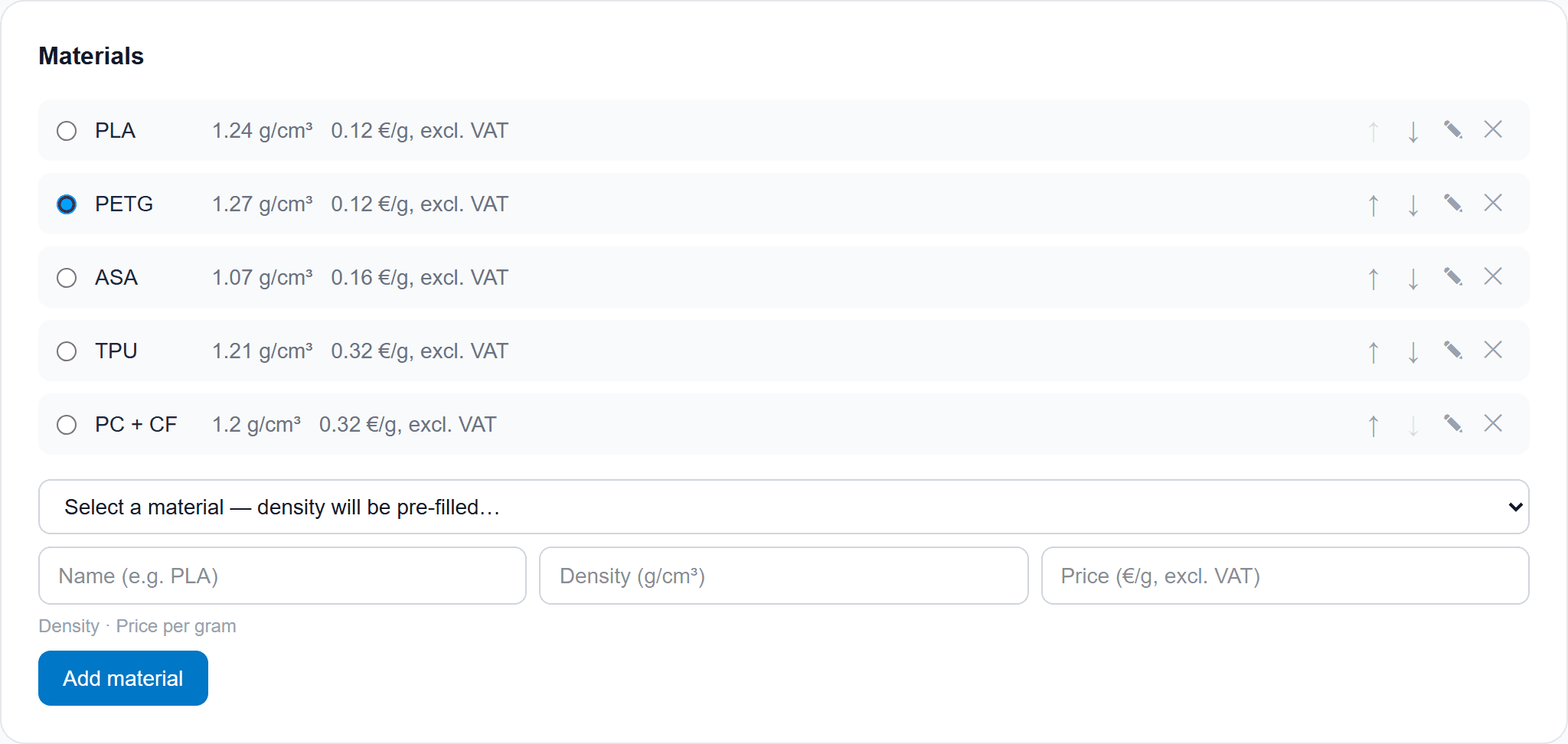
Materials
Your own set and price per gram. The customer picks.
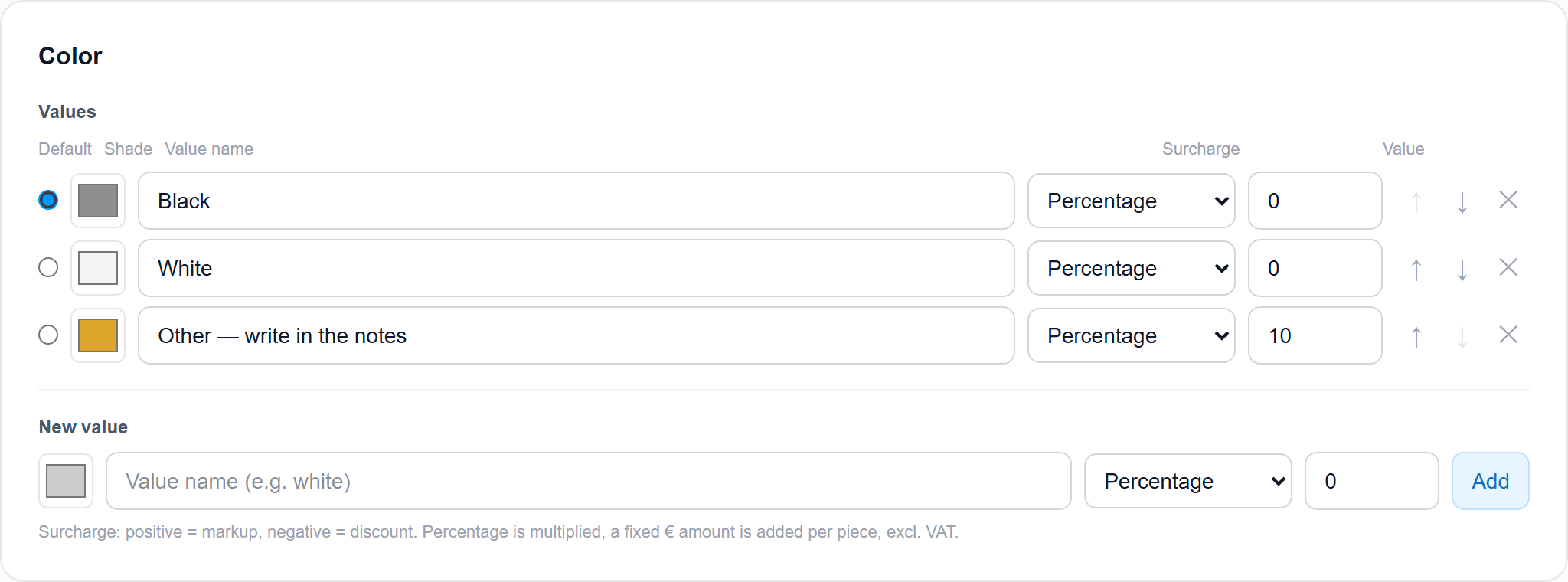
Colours
The customer sees the colour on the model too.
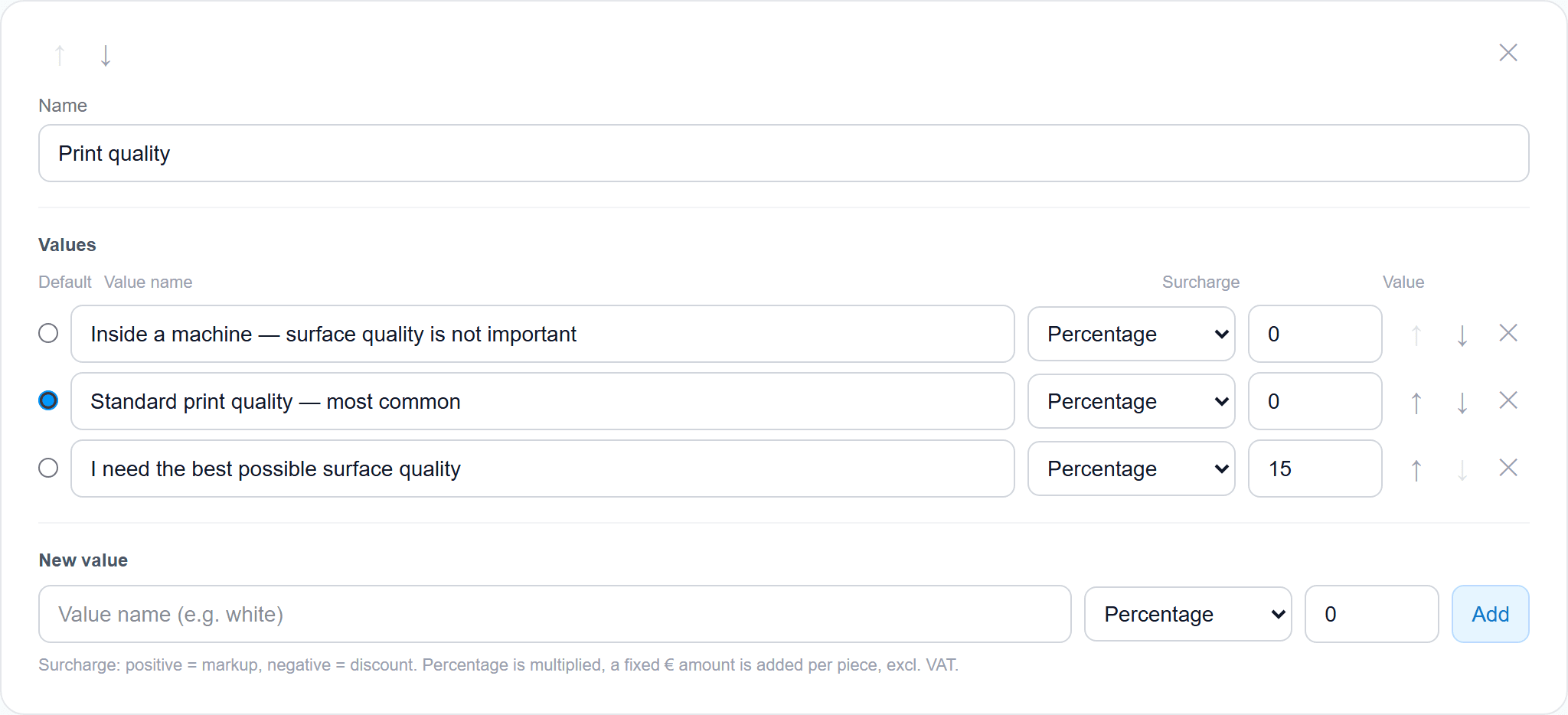
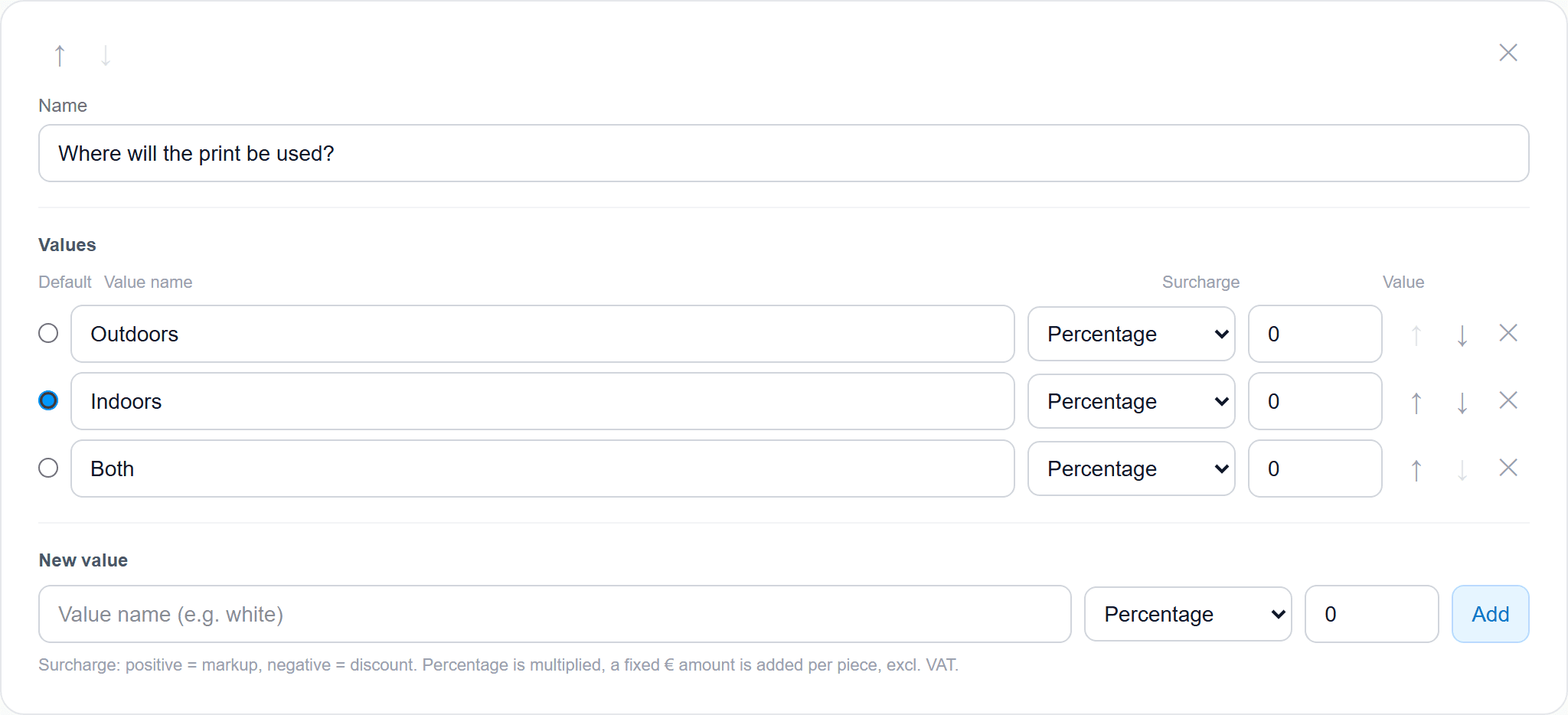
Custom fields
Surcharges as a percent or a fixed amount. You name them.
Shipping the way you offer it
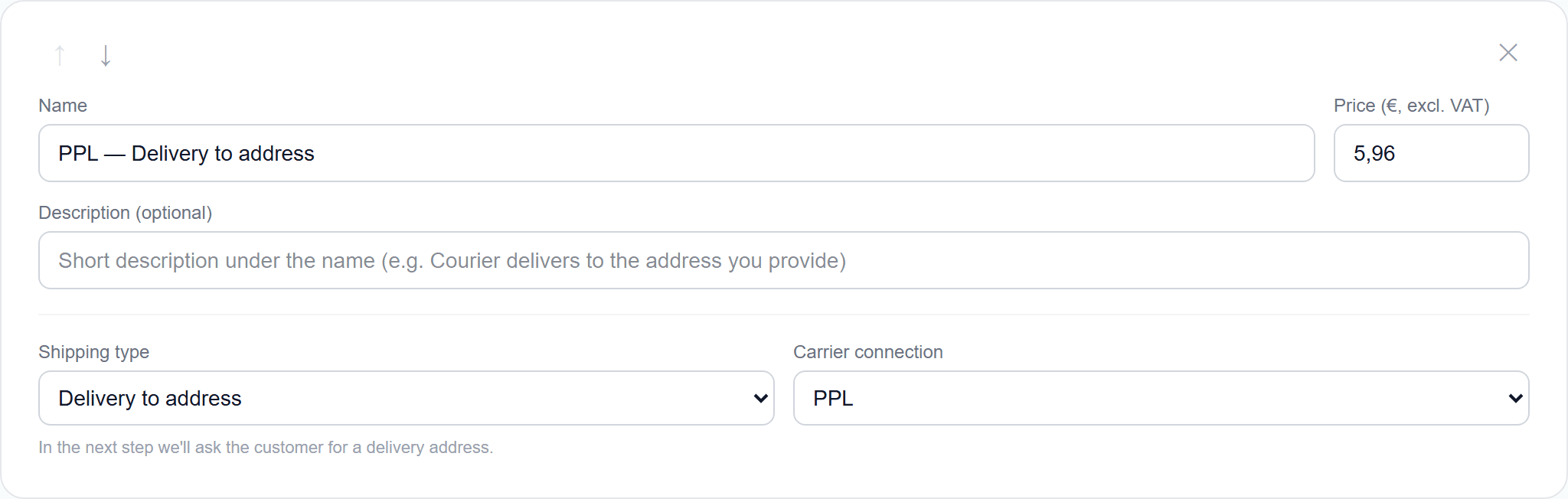
Pickup, delivery to an address, or a parcel box. Prices and order are yours.
Delivery to an address
The customer fills in where it should go.
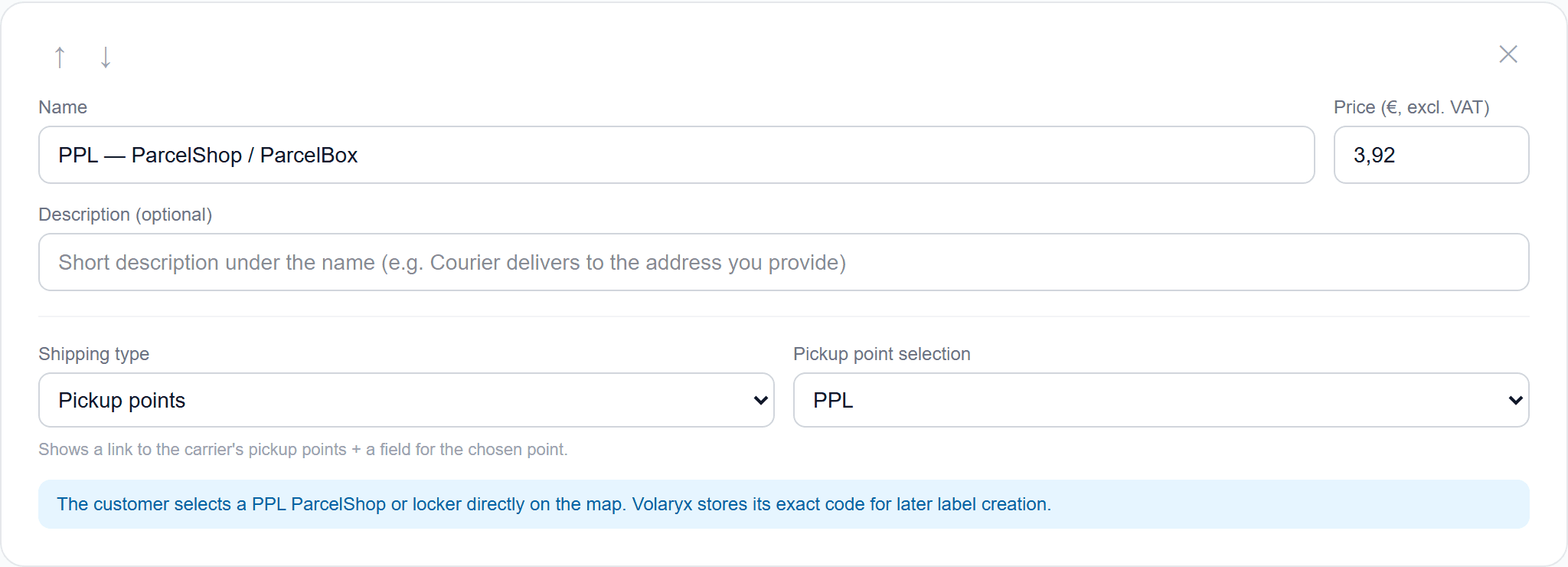
Parcel box
Once a carrier is connected, they pick a place on the map. No phone call.
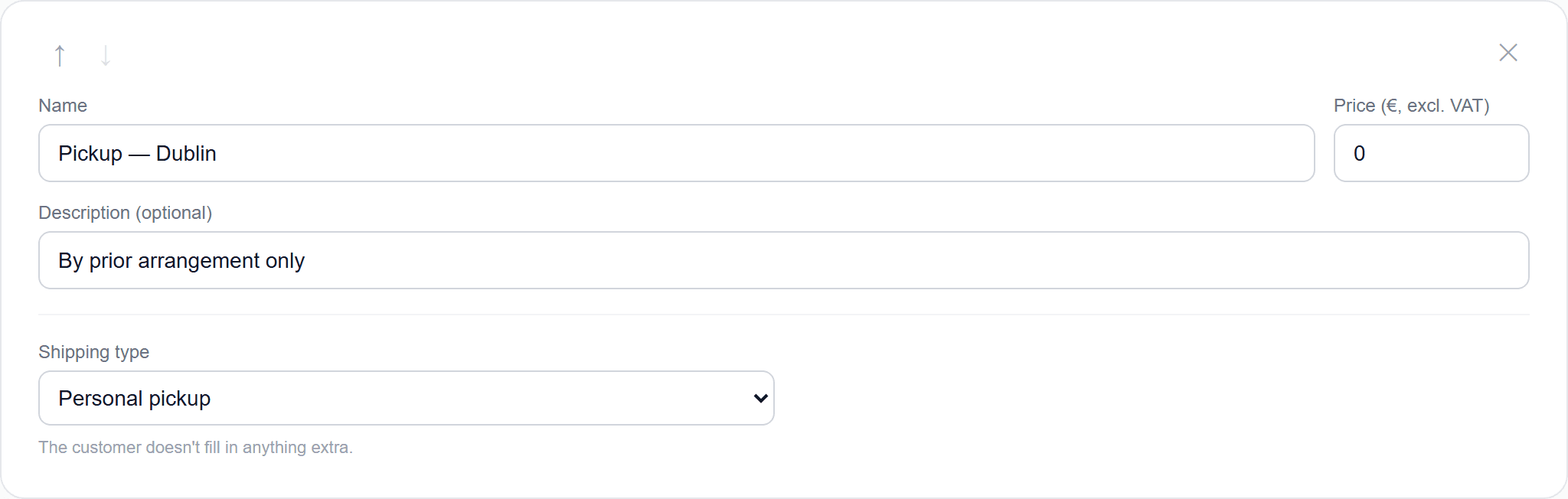
Personal pickup
Your place, your price. Even zero.
Company, emails and guards
The small things that show this is more than a calculator.
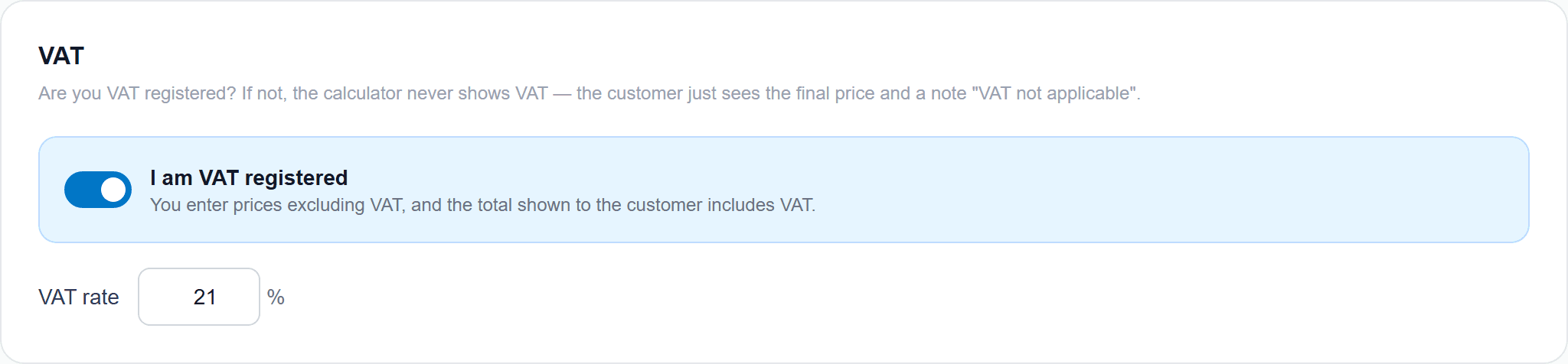
VAT registered
Turn it on and VAT is added to the price. You set the rate.
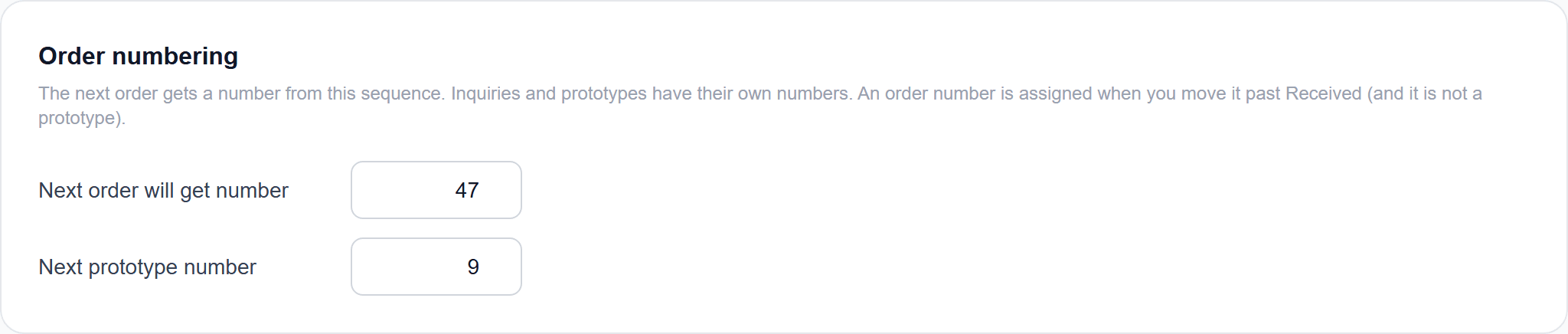
Order numbering
Your own starting number for orders and prototypes.
Invoice due date
Default number of days. It goes onto the document.

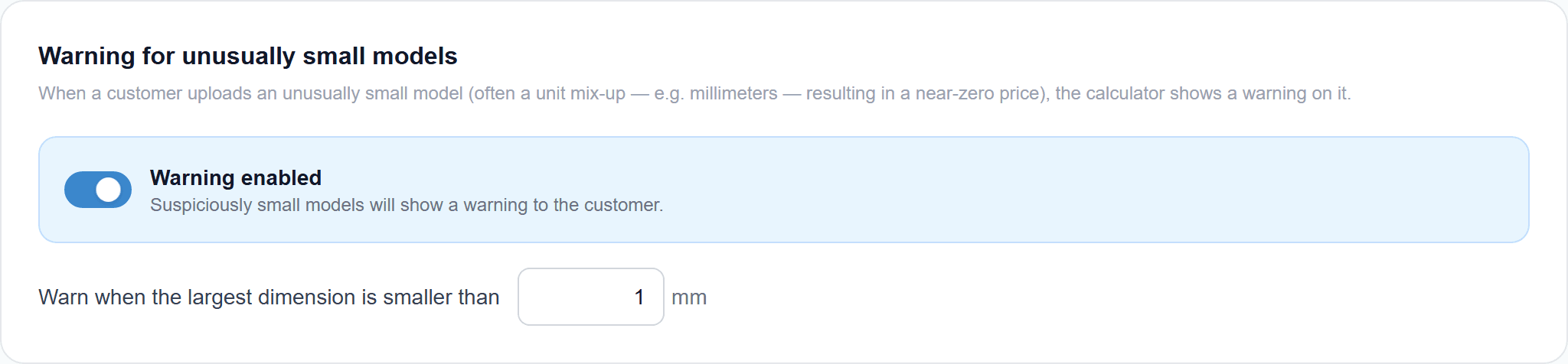
Models that are too small
If a part is smaller than your threshold, the customer sees a warning. You set the threshold.
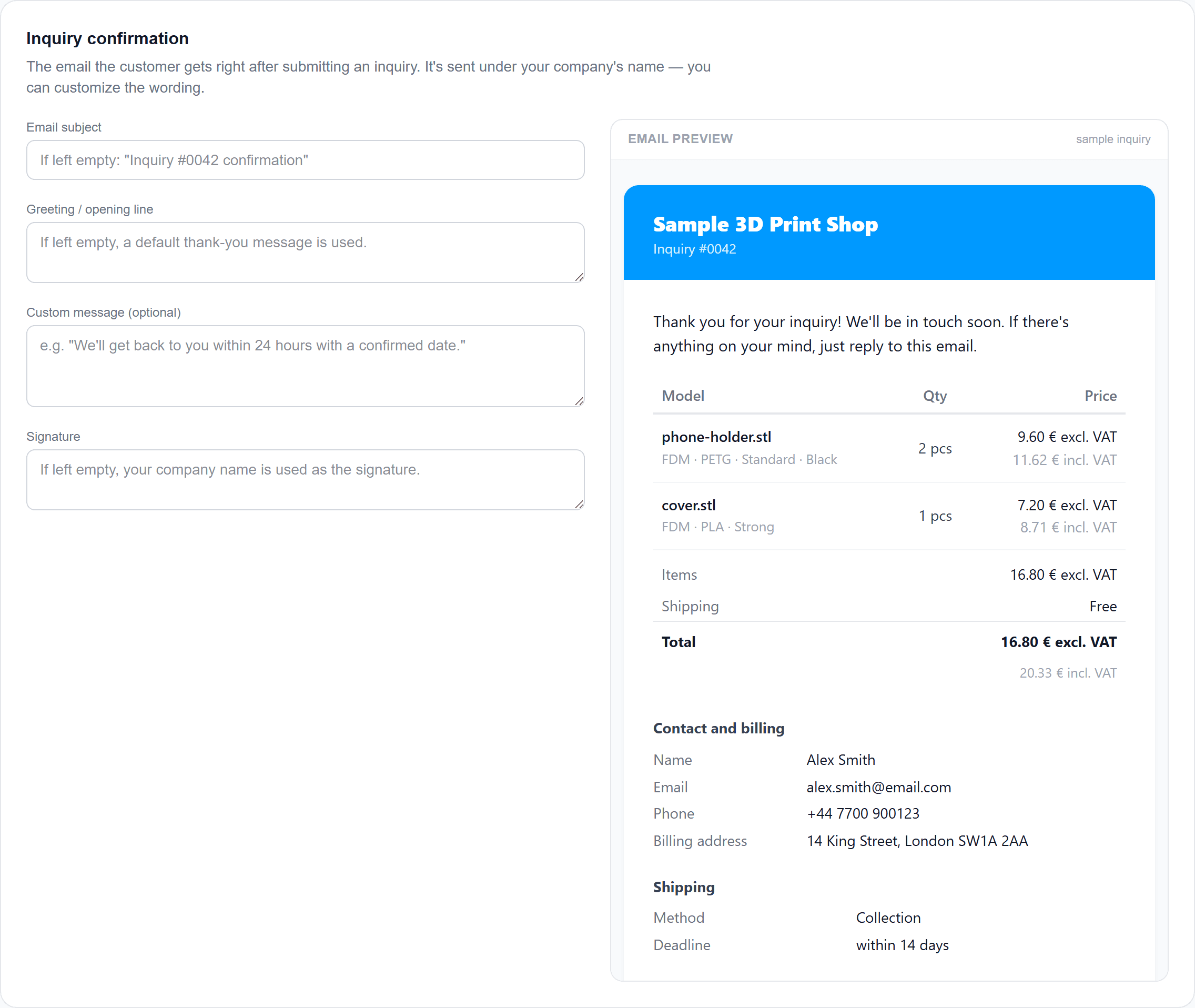
Email to the customer
After an inquiry they get a confirmation in your words. Subject and text are yours.
You put the calculator on your site yourself
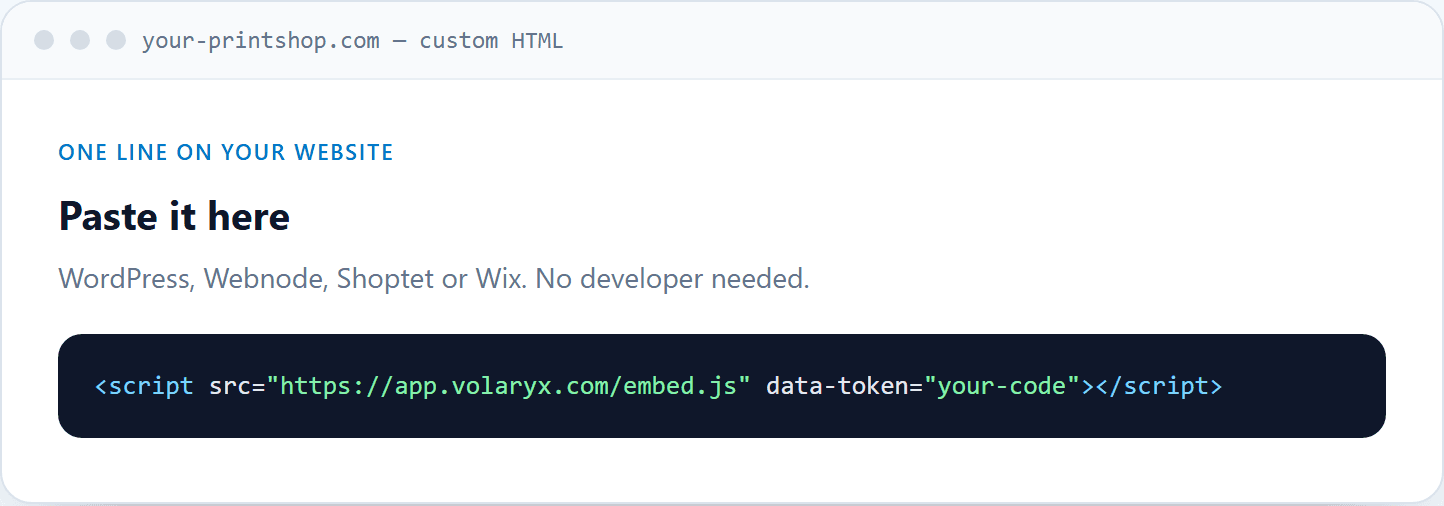
One line of code. WordPress, Webnode, Shoptet or Wix. No developer needed.
What print shops ask before they put it on their site
A real model. For filament it runs through a slicer — material and time the way you would quote it, not a bounding-box guess. The price is built from your rates.
Didn't find your answer? Email us at info@volaryx.com — we reply quickly, and we're actual people.
Your calculator could be pricing jobs today.
Sign up for free, set your prices, and put the calculator on your site with one line of code. No card, no commitment.